Website Speed & Performance Tips
What You’ll Learn in This Article
This blog explores the key elements of Website Speed Optimization, including why speed matters, how to test it, and actionable strategies for improving performance. Learn how to engage users, boost conversions, and improve SEO rankings through faster load times.
For additional resources on digital marketing and website optimization, check out our blog or explore our services.
⭐⭐⭐⭐⭐ “VantagePoint’s speed optimization work transformed our site performance. Our bounce rates dropped by 50%!” — Happy Client
Why Website Speed Optimization Matters
Top Factors that Affect Website Speed
Website Speed Optimization is critical for user experience and search engine rankings. Users expect pages to load in under 3 seconds. A slow site frustrates visitors and hurts your SEO. Google uses site speed as a ranking factor. A faster site also improves conversions, as users are more likely to engage when pages load quickly.
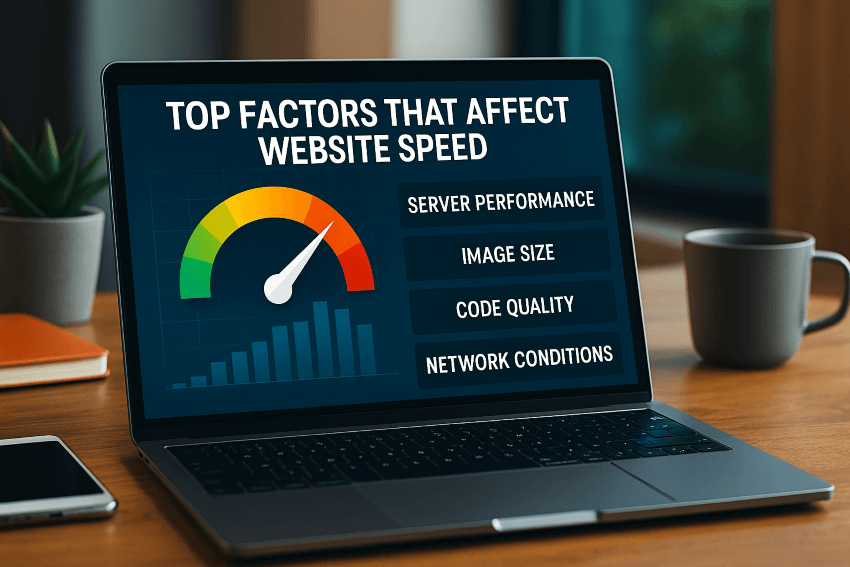
Top Factors That Affect Website Speed
- Large Image Sizes: Compress images to reduce load time.
- Heavy Scripts: Minimize and combine JavaScript and CSS files.
- Server Performance: Use a reliable, high-speed hosting service.
- Unoptimized Code: Remove unnecessary HTML, CSS, and JavaScript.
- Caching: Use browser caching and server-side caching.
How to Test Your Website Speed
Use tools like Google PageSpeed Insights and WebPageTest to see how your website performs. These tools highlight issues and provide recommendations for improvement.
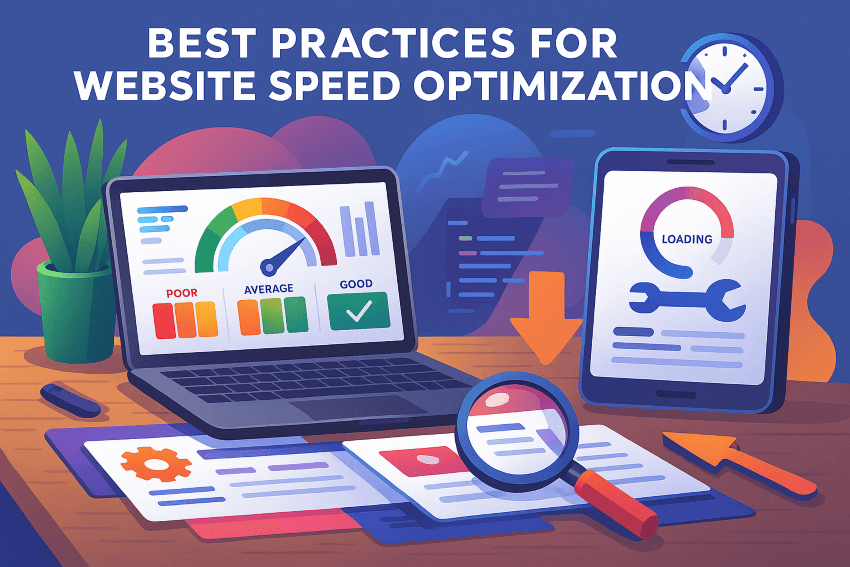
Best Practices for Website Speed Optimization
Website Speed Optimization – Best Practices
-
Optimize Images
-
Images often account for the majority of a webpage’s size. Use the correct image format—like WebP for high-quality, compressed images. Resize images to the maximum display size needed (no bigger). Tools like TinyPNG and ImageOptim can help you compress images without compromising quality. Also, implement lazy loading so images load only when needed as users scroll down.
Enable Compression
-
Compression significantly reduces the size of files transferred to the user’s browser. Use Gzip or Brotli compression for your CSS, JavaScript, and HTML files. This minimizes data transfer, speeds up load times, and improves performance. Most modern servers and content management systems support these compression methods automatically or through simple plugin installations.
Leverage Browser Caching
Caching saves static resources (like images, scripts, and style sheets) on the user’s device, so they don’t need to be re-downloaded with each visit. By setting proper expiration headers for your cache, repeat visitors experience much faster load times. Use your server’s .htaccess file or plugins to set these rules efficiently.
Use a Content Delivery Network (CDN)
-
A CDN stores cached copies of your site’s static files in multiple data centers around the globe. This reduces the distance data has to travel and significantly speeds up delivery, especially for visitors far from your main server. CDNs also help distribute traffic loads during peak times, enhancing stability and performance.
Minimize HTTP Requests
-
Every element on a webpage—images, stylesheets, scripts—requires an HTTP request. Fewer requests mean faster load times. Combine CSS and JavaScript files where possible, remove unnecessary third-party scripts, and use CSS sprites for small icons to reduce the number of requests.
Prioritize Critical Content
-
Users want immediate access to key information. Prioritize loading critical elements first—like your primary text, main images, and calls to action. Use asynchronous loading for JavaScript, so it doesn’t block the display of visible content. Consider implementing “deferred” or “async” attributes for non-essential scripts.
Mobile Optimization and Responsive Design

Site Speed- Mobile Optimization- Voice Search Optimization A Necessary next Step
Website speed is crucial on mobile devices. Ensure images, scripts, and layouts adjust quickly on all screen sizes. Google’s mobile-first indexing prioritizes fast mobile performance, making it essential for any modern website.
Why Work with a Professional?
Speed optimization can be complex. Working with a professional ensures your website meets technical standards, remains user-friendly, and maintains SEO performance. Contact VantagePoint Marketing Group to learn how we can help.
Optimize for Speed and Performance
Website Speed Optimization is essential for attracting and retaining visitors. A fast site boosts SEO, reduces bounce rates, and increases conversions. Follow these best practices and track your performance regularly. Let’s help your website reach its full potential!
For more insights, visit our services page or explore our latest posts on the VantagePoint Marketing blog.
Published by VantagePoint Marketing Group | June 2025