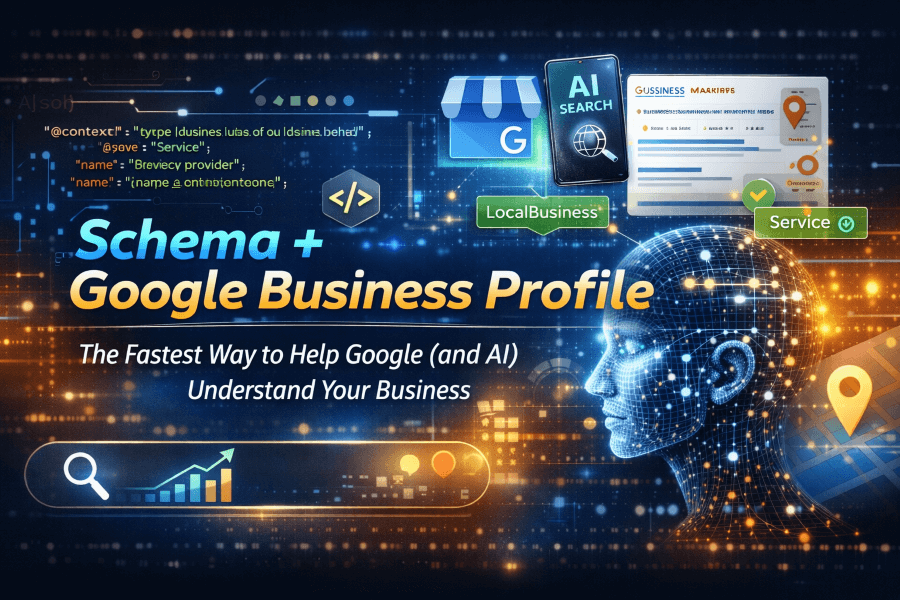
Schema + GBP: Help Google (and AI) Understand Your Business
Summary: Schema + Google Business Profile help Google and AI systems understand who you are, what you do, where you serve, and why your business is relevant. In this article, you will learn how structured data and an optimized Google Business Profile work together, what details should match, what mistakes to avoid, and how to create stronger local signals that support visibility, trust, and customer action.
Why Schema + Google Business Profile Matter
Think of your website and your Google Business Profile as two employees telling Google about your company. If they tell the same story, trust grows. If they contradict each other, confusion follows.
Schema + Google Business Profile work best when your business name, address, phone number, hours, services, and service areas align clearly across both properties. Structured data helps your website communicate those details in a machine-readable format, while your Google Business Profile helps Google surface relevant local information in Search and Maps.
Google Search Central explains that structured data helps Google understand page content and eligibility for certain search experiences. Google also states that Business Profile information helps surface relevant local results across Search and Maps. For that reason, clarity and consistency matter. See Google’s official guidance here: Google Search Central on structured data and Google Business Profile help.
Schema + Google Business Profile: What Should Match?
Start with the basics. Your website schema and your GBP should reinforce the same core facts.
- Business name
- Primary phone number
- Website URL
- Address or service area
- Business hours
- Core services
- Business category themes
If your GBP says you are open until 6:00 p.m. but your website says 5:00 p.m., that weakens confidence. If your website emphasizes one service while your profile pushes another, Google may struggle to connect your strongest signals.
Use LocalBusiness Schema Where It Fits

Google supports Local Business structured data for eligible local business pages, and Schema.org provides the vocabulary behind types such as LocalBusiness and Organization. That does not mean you should stuff every possible property into your markup. It means you should mark up accurate, relevant information that appears on the page.
A smart setup often includes Organization or LocalBusiness schema on key business pages, along with clearly visible contact information, service descriptions, and location details. Google’s general structured data guidelines also stress that structured data should match page content and remain accessible to Google.
Why This Also Matters for AI Search
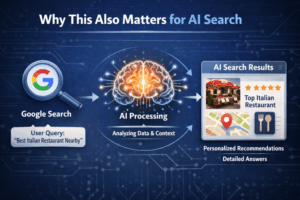
AI systems increasingly summarize businesses from multiple signals. They pull from websites, business listings, structured data, and trusted third-party references. The more consistent your digital footprint, the easier it becomes for AI systems to connect the dots.
In simple terms, schema gives your website labels. GBP gives Google a verified local reference point. Together, they reduce ambiguity. That matters whether someone searches in traditional Google results, Maps, or AI-assisted interfaces.
The Most Common Problems We See

Here is where things usually go sideways:
- Old hours on the website
- Different phone numbers across platforms
- No service information in schema
- Missing or vague service area language
- Using schema types or properties that do not fit the page
- Adding markup that says more than the visible content does
These issues are avoidable. The fix is not “more schema.” The fix is more accurate schema, better GBP maintenance, and stronger page content.
Entertaining but True: Don’t Let Your Data Wear Mismatched Socks
Your business details should look coordinated, not chaotic. If your GBP is wearing a suit and your website schema is wearing flip-flops, Google notices. The goal is alignment, not improvisation.
How to Strengthen Your Setup
- Audit your GBP and website side by side.
- Standardize your core business information.
- Update your schema on major business pages.
- Make sure visible page content matches your markup.
- Review your business hours and services monthly.
- Keep your Google Business Profile active with updates, photos, and accurate details.
Google recommends using JSON-LD for structured data and testing markup with available validation tools. That makes implementation easier and cleaner for most websites.
FAQ: Schema + Google Business Profile
What does schema do for local SEO?
Schema helps search engines understand business details on your website more clearly. It adds structure to information like services, hours, and contact data.
Does Google Business Profile replace schema markup?
No. Google Business Profile and schema markup serve different roles. GBP supports your local profile in Search and Maps, while schema helps your website communicate business details clearly.
Should my website and GBP have the exact same information?
Your core business facts should match closely. Consistency strengthens trust and reduces confusion for both Google and users.
What schema type should a local business use?
That depends on the business and page context. Many local businesses use Organization or LocalBusiness, and some may use more specific subtypes when appropriate.
Can schema help AI understand my business better?
Yes. Structured data gives machine-readable context, which can help AI systems interpret your business details more accurately when combined with strong content and listing consistency.
Final Takeaway
If you want Google and AI systems to understand your business faster, better, and with fewer mistakes, align your website schema with your Google Business Profile. Clear signals create stronger digital trust.
Need help cleaning up your schema, aligning your GBP, or improving how Google understands your business? Contact VantagePoint Marketing Group and let’s make your digital presence easier for both humans and machines to understand.

Published April 2026